

 Book a demo
 THE TEAM AI WORKSPACE FOR PROFESSIONAL FIRMS


 WHO IT IS FOR
01 / ACCOUNTING
Accounting and tax
Explain the month's movements and list what is missing before the review.
Bring your team, firm knowledge and AI agents into one workspace. Prepare client reviews, answer questions from your files and build small interactive apps. Keep the work together in a Pod for each client, matter or project.
Built in Singapore for professional firms in Asia.
01 / ACCOUNTING
Explain the month's movements and list what is missing before the review.
02 / CORPORATE
Track filings, documents and client requests across the companies you manage.
03 / LEGAL
Find matter documents, prepare a first draft and keep deadlines in view.
04 / ADVISORY
Prepare each client meeting with the relationship history and open questions in view.

Give an agent a defined job, instructions and access to your knowledge. Colleagues work from the same sources. Skills bring reusable instructions and reference material to any agent.

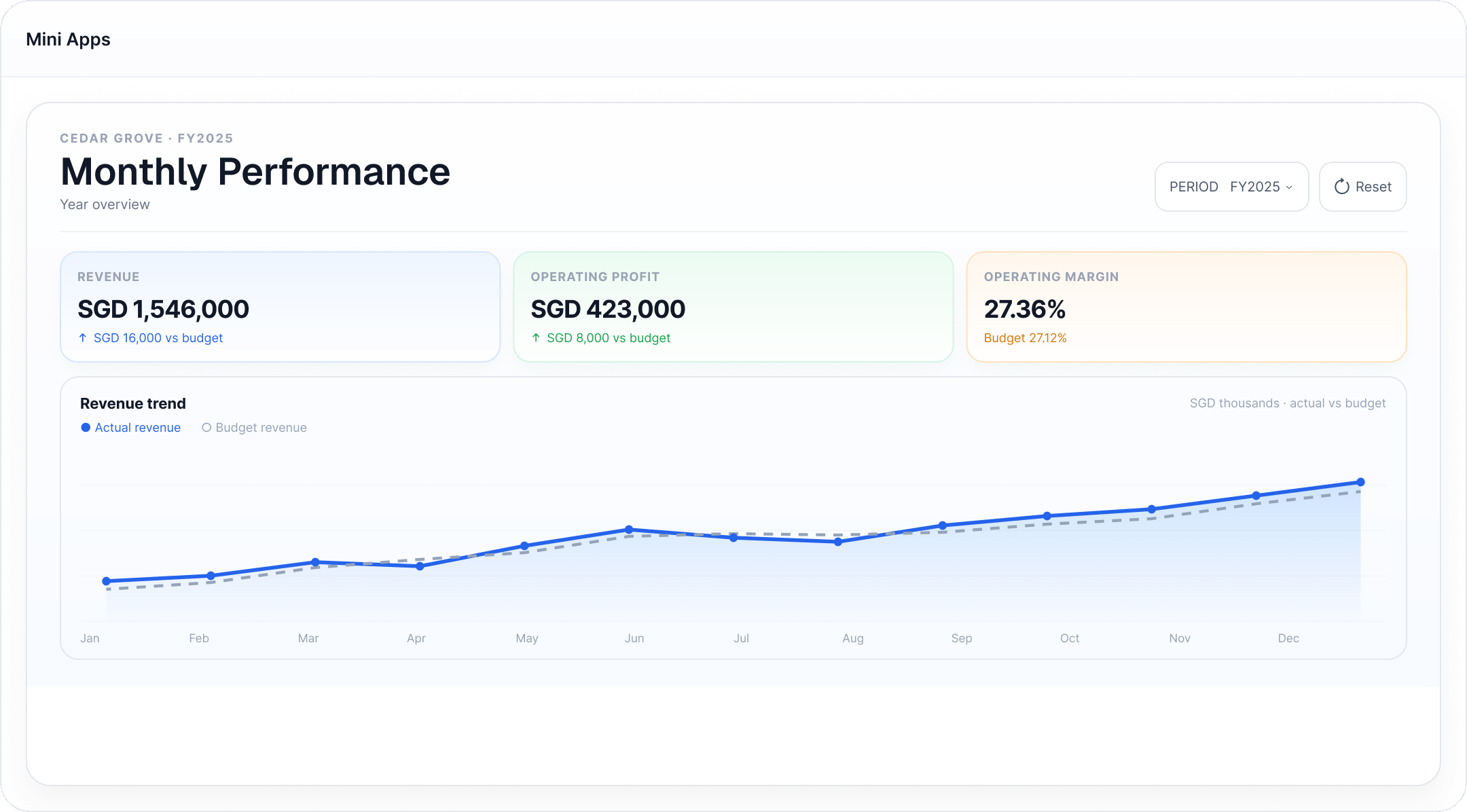
Describe the view you need. An agent builds an interactive dashboard, tracker or client brief your team can use.

Manage access to spaces and connected tools. Review significant activity when audit logging is enabled.
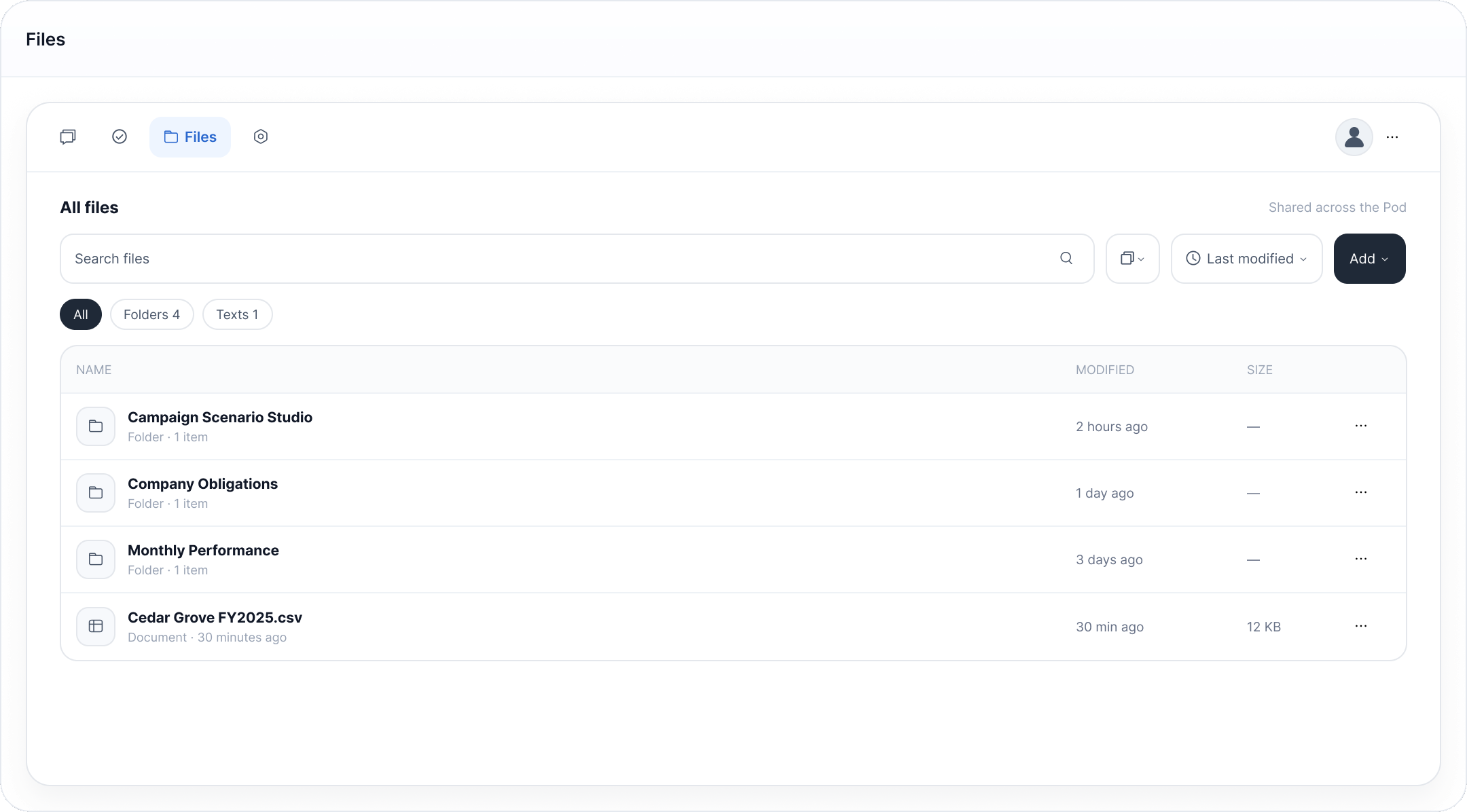
Conversations, tasks, files and Mini Apps for the same piece of work sit together. Colleagues can see what was asked, what the agent found and what still needs doing.
01
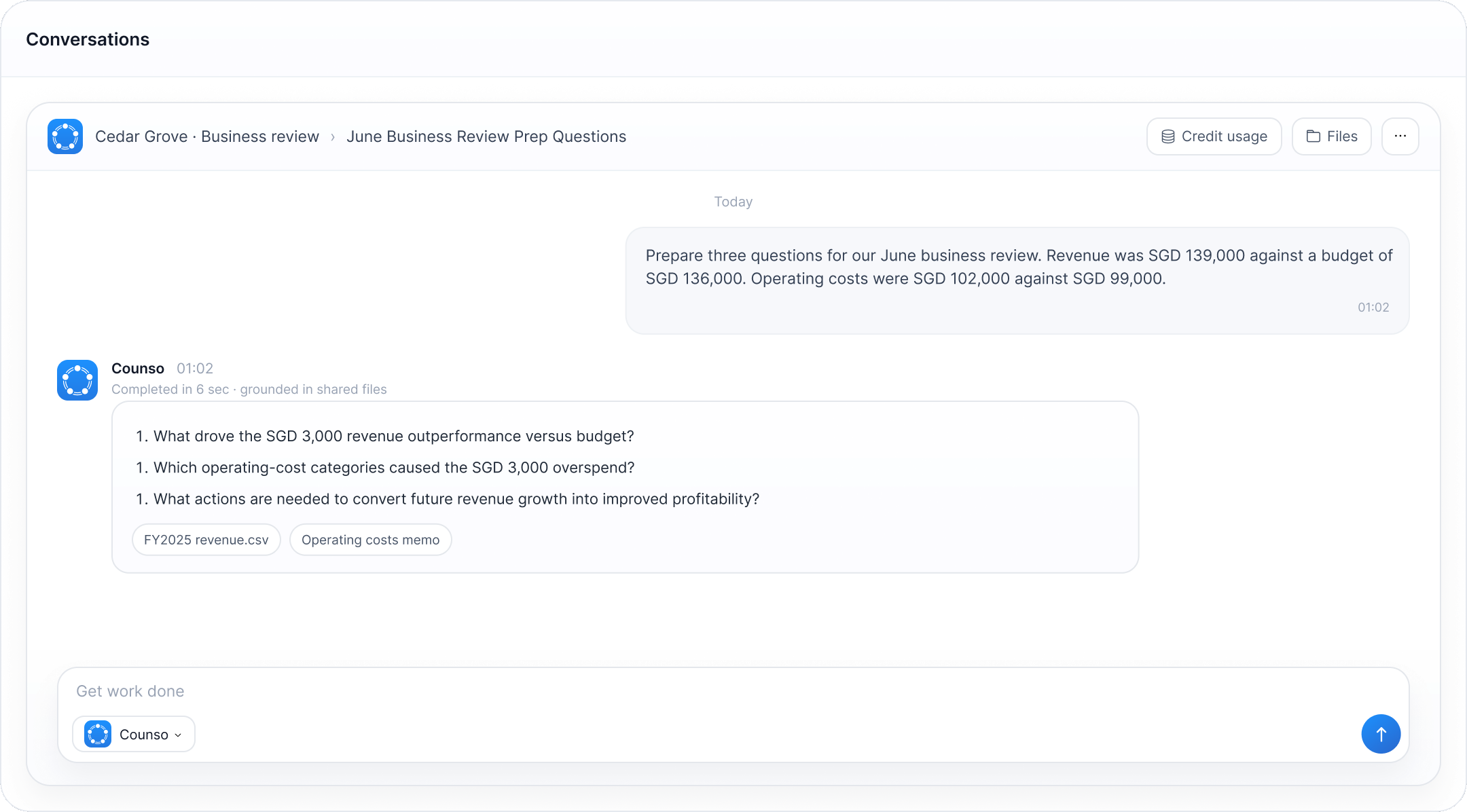
“Why did operating margin fall in June?” The agent reads the management accounts, budget and May review notes in the client's Pod.
02
Compare actuals with budget and May. List the largest movements and flag unmatched invoices. Each finding links to its source file.
03
The accountant checks the findings, edits the client questions and assigns the follow-up. Formal accounts stay in the accounting system.
Connect approved files, email and business systems. Connector availability and permissions depend on your workspace setup.
Outlook · Teams · SharePoint · OneDrive
Gmail · Calendar · Drive
Examples: Salesforce · Notion · GitHub
Connect more tools through MCP
Choose managed cloud or private deployment to match your data, access and operational requirements.
MANAGED
Use a team workspace managed by Counso.

DEDICATED
Run Counso in your organisation's own cloud environment.

Counso is built by Zero Byte Labs Pte. Ltd., a Singapore company working on trust infrastructure for AI.

Bring a monthly review, client brief or filing tracker. We'll help set up a pilot and your team can judge the result.
Book a demo


 ONE WORKSPACE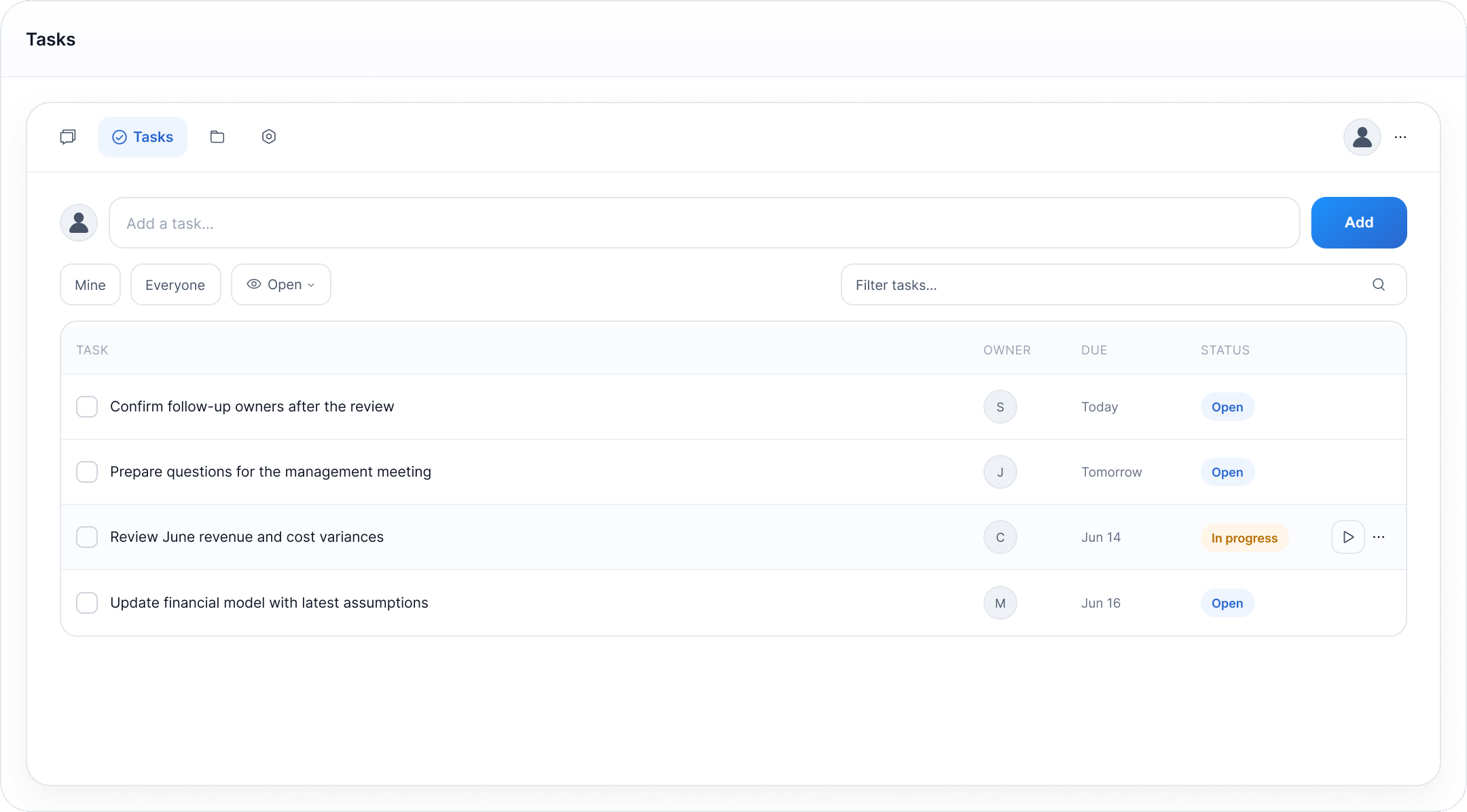









 Manage team access in one place
 Connect knowledge and business tools
 Choose AI models for your work
 Configure network access to your requirements
 Choose cloud or self-hosted AI models
 Agree deployment and ongoing support