Book a demo


See and explore
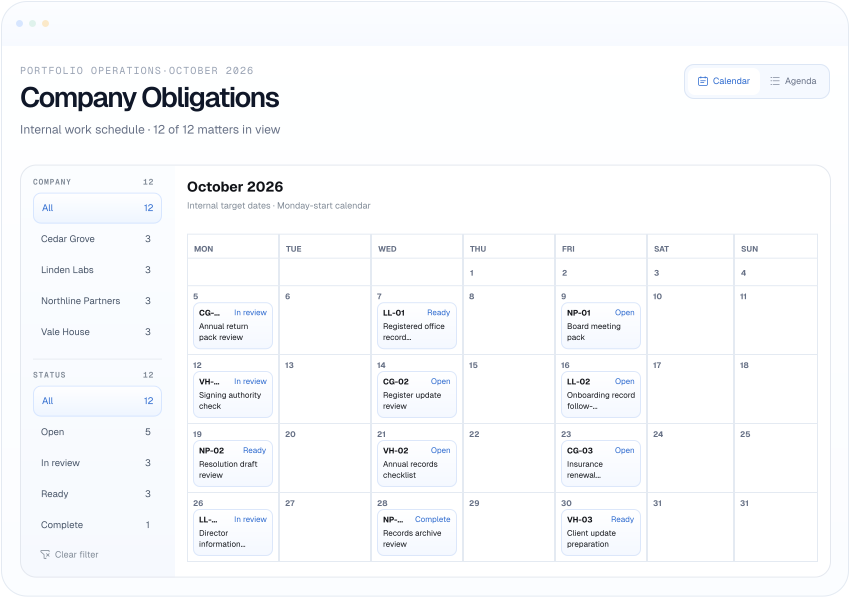
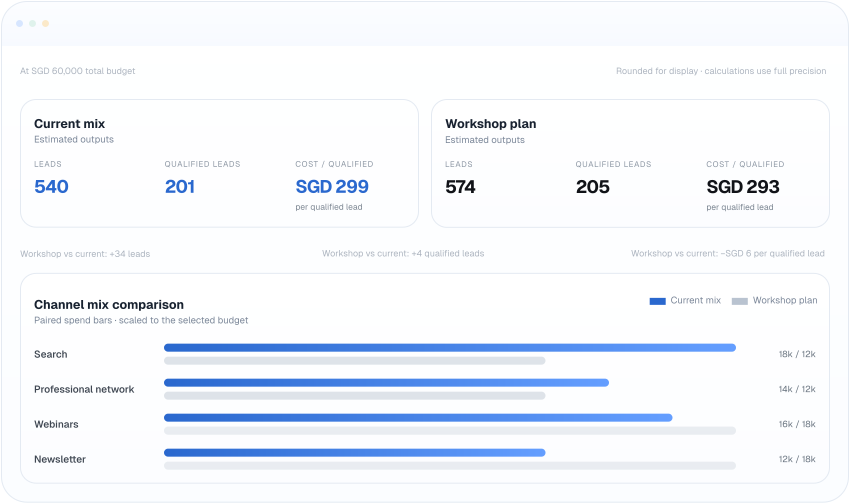
Explore a chart, change a filter or fill in a form.
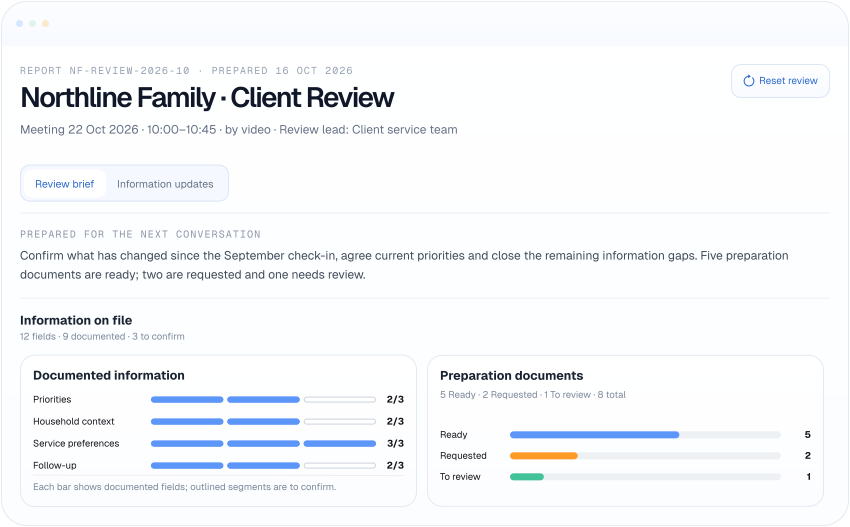
Describe what you need. An agent builds an interactive app from your files and data — a dashboard, a tracker or a client brief. Your team can open it, change the view and return to it.
Book a demo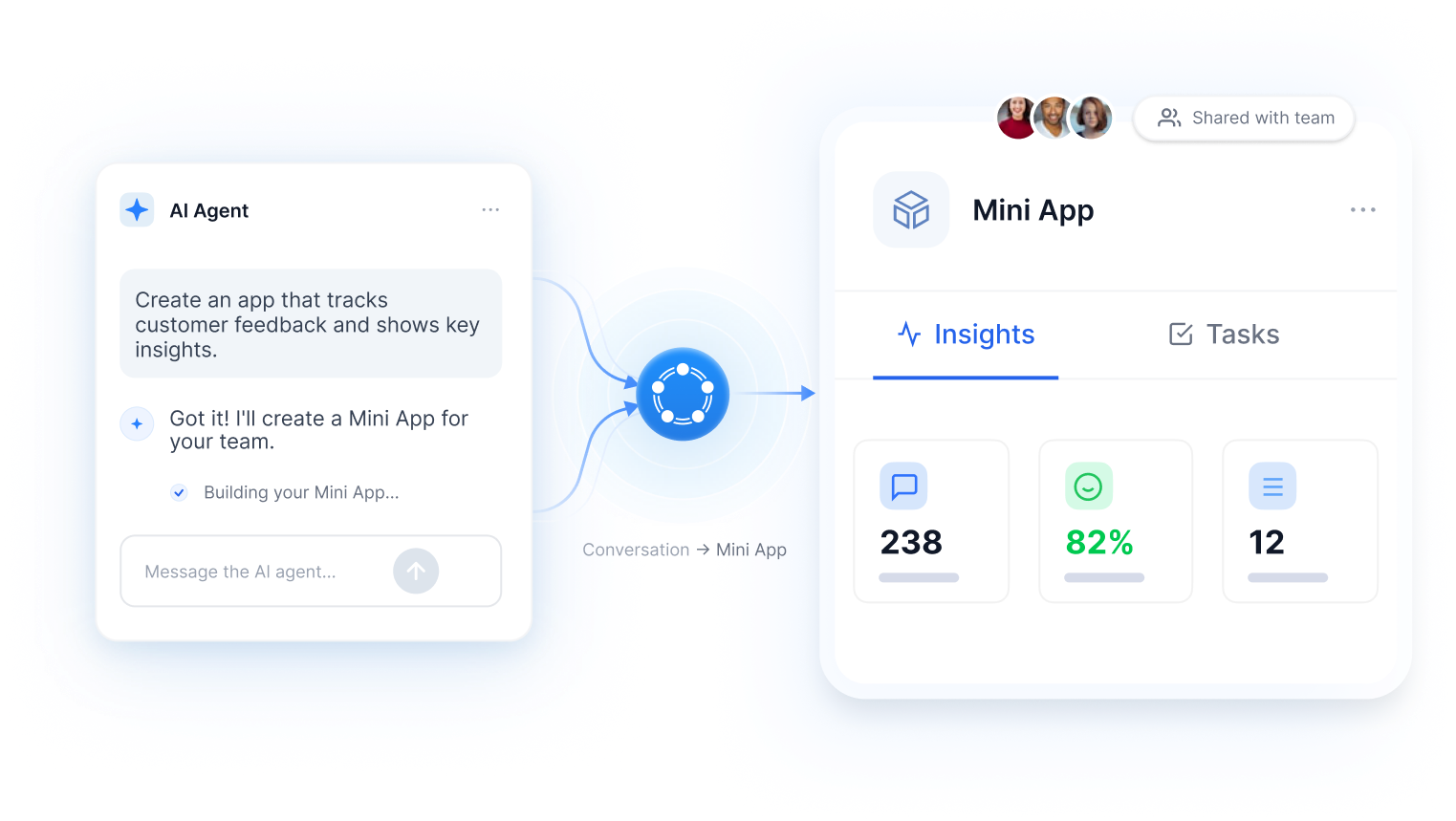
What is a Mini App?
A Mini App gives your team a place to explore information, keep updates and take action. Ask an agent to build the capabilities your work needs.
Explore a chart, change a filter or fill in a form.
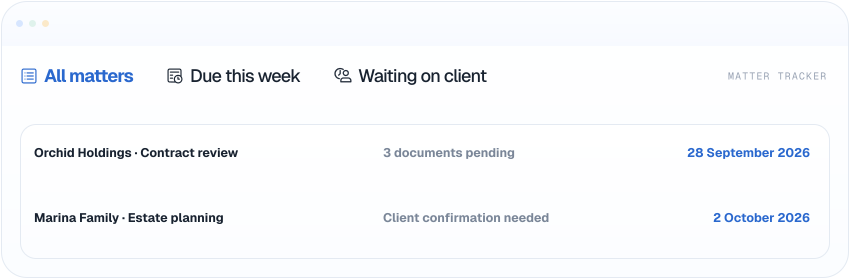
Keep entries and team updates for the next visit.
Refresh information or carry out a repeatable task using a connected tool.
01
Name the job, the people and the information the agent should use.
02

Open the app. Ask for changes to the layout, calculations or information shown.
03

Keep the app in a Pod so colleagues can return to the same piece of work.
Try a request like this
“Create a Mini App from this monthly report. Show revenue, costs and margin, with a month selector and an actual-versus-budget comparison.”
Examples of Mini Apps
Explore how teams turn recurring work into a view they can use together.
Accounting
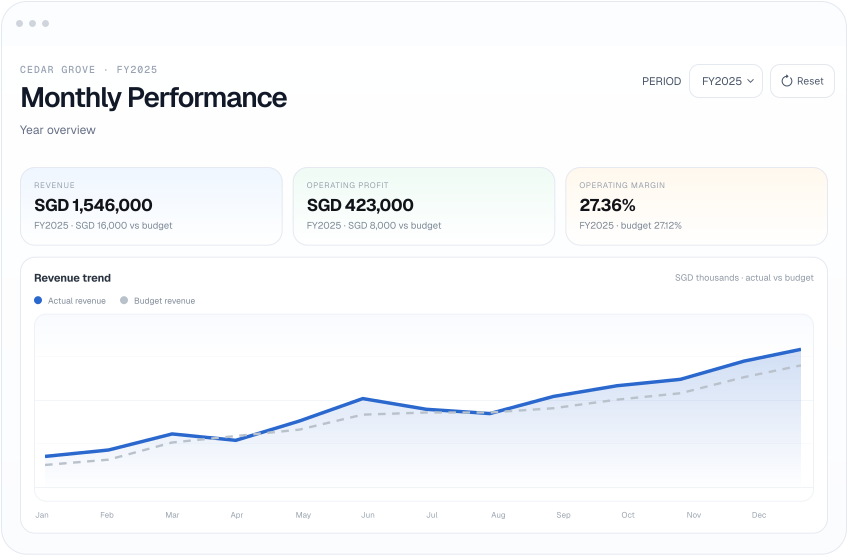
Explore revenue, costs and margin. Switch from the year to a month and compare actuals with budget.
Learn how to create, update and share a Mini App.
No. Describe the app to an agent, try it and ask for changes. A developer can also review the result.
Yes. Keep the Mini App in a Pod and give the relevant colleagues access to that Pod.
What the app saves depends on its data setup. Describe the information you need to keep when creating the app.
When the source changes, the app needs to read it again. The refresh method depends on the connection and app setup.
An app can use connected, authorised tools. Check the action and its permissions before it changes records in another system.
Yes, when an administrator allows external sharing. You can add your firm's brand to apps shared with clients.