Book a demo
 Security and governance
Counso Cloud
- Environment
- A workspace managed by Counso.
- Setup
- Choose the team, sources and access for a first workflow.
- AI models
- Administrators select the models available in the workspace.
Give each team access to the information and tools its work needs. Keep professional judgement in the workflow, with records that help you understand what happened.
Discuss security options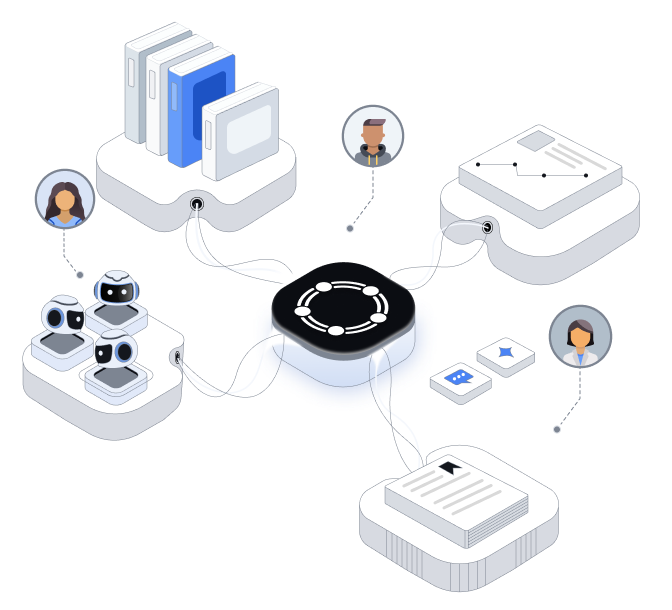
A managed workspace or a dedicated setup: start with the information you handle and the environment your organisation needs.
When an agent uses an external AI model, relevant text is sent to that provider to produce a response. Hosting location and provider data terms are part of your deployment review.
Set access around the people, clients and work involved.
Use Admin, Manager and Member roles. Assign permissions to groups so access follows the team.
Use your existing identity provider with SAML. Sync people and groups with SCIM where configured.
Limit sensitive knowledge to the people who need it. Agents work within the access of the person using them.
Administrators choose which AI models are available to the team.
Select the tools each agent needs and review the permissions granted to each connection.
Administrators decide whether Mini Apps can be shared outside the organisation.
For work that changes client records or sends information outside the firm, agree who reviews the proposed action and what they must check.
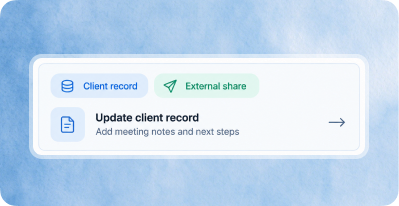
01
Which record will change? What information will be sent?
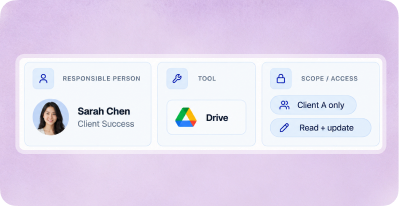
02
Who is responsible? Is this the right tool and the right access?
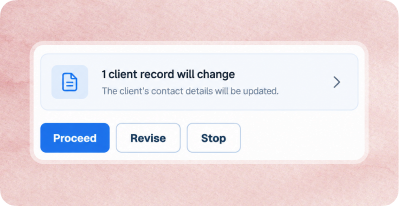
03
Review the effect before proceeding.
When Audit Logs are enabled for the workspace, authorised users can review significant activity in time order.
Agent and tool events identify whether a person or AI started the action, and on whose behalf. Access to the audit log is also recorded.
Filter by time, person and action. Export records as CSV or stream them to your own monitoring system where configured.
Our approach is informed by SAFR's focus on authorisation, human oversight and records at the point an AI agent acts. We can map the controls available in your workspace to your own review requirements.
SAFR is an industry white paper published under MAS's BuildFin.ai initiative. It is not regulatory guidance. Counso is not affiliated with or endorsed by MAS.
Request a data processing agreement, or send us your security questionnaire and logging requirements. We will provide information relevant to your proposed deployment.
Discuss security options





 Export